Keep an Astronomy Time Log: UTC, Julian Date, and Sidereal Time

An observing note reading “October 20, 10:30” becomes surprisingly difficult to interpret later. Was that morning or evening, which timezone applied, and did the session cross midnight? Astronomy uses several time conventions because each answers a different question. A reliable log keeps the original clock reading and its time basis, then records any converted value with enough context for another observer to reproduce it.
Record the instant before converting it
Use a full calendar date and a twenty four hour clock. Add the timezone explicitly, preferably using an unambiguous offset such as UTC plus eight hours. A local time of October 20 at 01:30 in that zone corresponds to October 19 at 17:30 UTC. The date changes as well as the hour. This is an easy source of mistakes when a session begins after local midnight.
Do not let your computer's display format silently define the log. Daylight saving changes can make a local hour ambiguous or skip it altogether. UTC avoids that particular ambiguity for routine observing records. Preserve the local entry if it is useful to your observing habits, but identify the converted UTC date and time separately instead of replacing the original with an unlabeled number.
Understand what a Julian date counts
A Julian date is a continuous day count with a fractional part. It removes month lengths and year boundaries from time interval arithmetic. Its traditional day boundary is noon, so midnight has a fractional part of one half. At January 1, 2000, 00:00 UTC, the site's educational converter returns 2451544.5. Twelve hours later the count reaches 2451545.0.
The Julian Date Calculator accepts a date and evaluates its midnight. It does not accept the time of an individual exposure. For an ordinary UTC day without a leap second, you can add elapsed seconds divided by 86400. At 06:00, add 0.25; at 18:00, add 0.75. Include that extra step in a log rather than describing a midnight result as the timestamp of a photograph taken later.
Label the time scale beside JD
JD specifies a counting format, not the underlying physical time scale. Precise work may use UTC, UT1, TT, or another scale. They are not interchangeable. UT1 follows Earth's rotation; TT supports dynamical calculations. The site's calendar converter uses browser UTC arithmetic for an accessible approximation and does not fetch Earth rotation corrections or model leap seconds.
For a visual observing notebook, that scope can be sufficient. For an eclipse timing, an occultation, or a scientific light curve, follow the observing programme's required scale and clock calibration. A long decimal output does not establish equivalent physical accuracy. Record the timing method and exposure convention, including whether a reported instant represents the start or middle of an exposure.
Use sidereal time for sky orientation
Sidereal time relates Earth's rotation to celestial coordinates. Local sidereal time approximately identifies the right ascension on your local meridian when the coordinate conventions match. It is useful for understanding which region of sky is crossing that north to south reference line. It does not replace civil time for appointments, and it is not simply the number of hours since sunset.
Open the Sidereal Time Calculator and enter the UTC instant and your longitude. East is positive and west is negative. At the same instant, moving fifteen degrees east adds one sidereal hour, with the result wrapped into a twenty four hour range. Reversing the longitude sign therefore produces a substantial error even when the date and time were entered correctly.
Check a reference case
Use January 1, 2000, at 12:00 UTC and longitude zero. The tool gives approximately 18:41:51 for Greenwich mean sidereal time. Changing longitude to fifteen degrees east gives about 19:41:51. These examples check the UTC convention and longitude direction together. The display represents the instant entered; it does not run as a live observatory clock.
The calculation approximates UT1 with UTC and reports mean sidereal time. Apparent sidereal time includes an additional nutation correction. High precision pointing also requires consistent coordinate epochs, precession treatment, and the instrument's own alignment model. Avoid comparing values from different conventions and assuming every discrepancy is a failed clock.
Make the notebook reproducible
Longitude is a position input, not a timezone selector. Political timezone boundaries do not follow every fifteen degree meridian, and daylight saving has no effect on geographic longitude. Two observers can use the same civil timezone while obtaining different local sidereal times. Enter the site's geographic longitude and convert the clock reading independently; do not substitute your timezone offset for your observing location.
A compact log can contain object name, local timestamp with offset, UTC timestamp, site longitude convention, equipment, and observing conditions. Add JD with its scale only when needed. Add sidereal time when investigating transit or coordinate behaviour. Keep calculated fields distinct from measured observations so later readers can see which information was entered and which was derived.
Before finishing a session, check one entry near a date boundary. Confirm that converting it back recovers the original local date and hour. That small habit catches errors that can otherwise survive beautifully formatted spreadsheets and precise looking calculator outputs.
When sharing a file, include the meaning of each column in its header or an accompanying note. A column called “time” leaves too much to guess. Labels such as “UTC exposure start” and “midnight UTC Julian date” make the different quantities visible without requiring another person to reconstruct your workflow.
Related reading
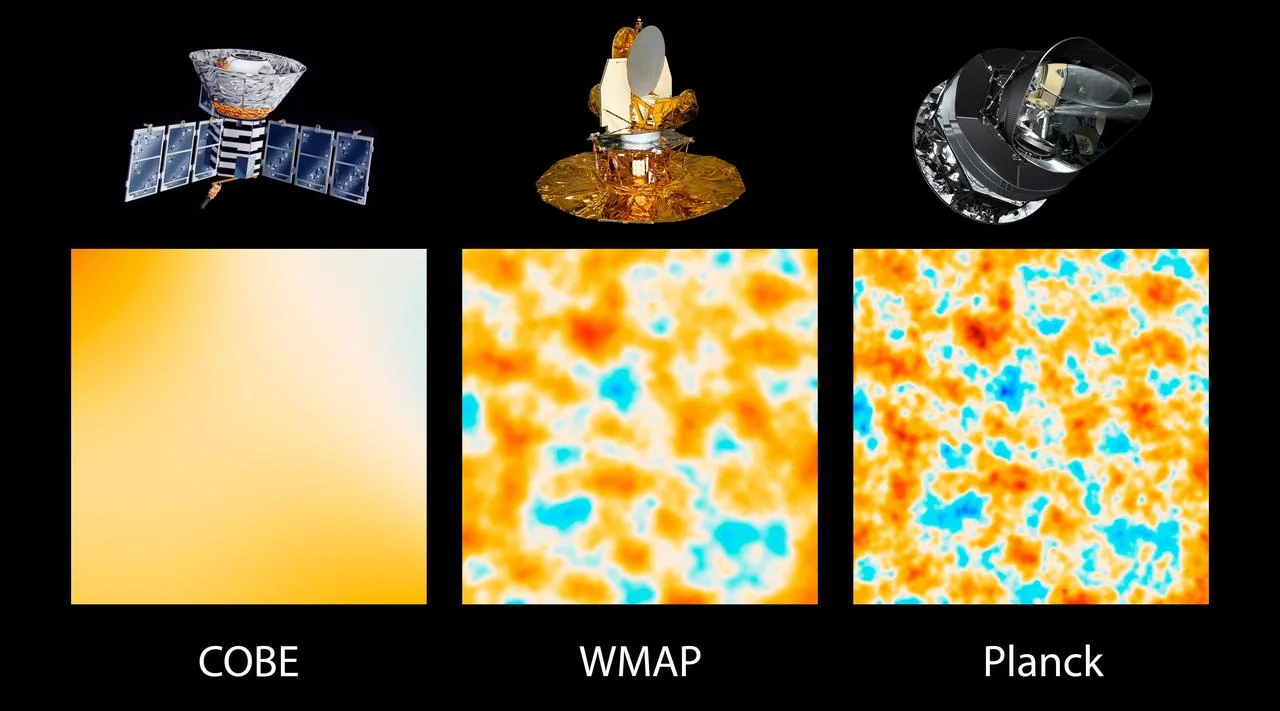 Physics
The Big Bang Theory: The Origins of Everything
How did the universe begin? Explore the evidence for the Big Bang theory, from Hubble's expanding universe to the Cosmic Microwave Background radiation.
 Physics
Dark Matter and Dark Energy: The Invisible Universe
Dark matter and dark energy make up 95% of the universe. Learn how astronomers discovered them and why they hold the key to the ultimate fate of the cosmos.